
Why I built Frappe Assistant Core
It started with my wife giving up a weekend to build a report that, in the end, someone would download and paste into a chatbot anyway.
A report for a chatbot
My wife is a functional consultant on ERPNext. One weekend she was working on a report for a client. It wasn’t a simple one. The user wanted the data in a specific structure and format, and getting Frappe’s reporting to produce exactly that shape was taking hours.
What bothered me was what would happen next. The user would download the report, upload it to ChatGPT or Claude, and ask questions about it. The report was only a container to get the data into a chatbot. All that weekend effort went into the format, and the format was going to be thrown away the moment the file was uploaded.
So I asked the obvious question. Why not skip the report? Let the language model talk to ERPNext directly, ask for the data it needs, and work out the answer itself.
The rule that made it safe
Giving an AI direct access to a company’s ERP sounds like a terrible idea, and it would be if the AI could see everything. The idea only works with one rule: the model sees exactly what you can see, and nothing more.
Frappe already has a careful permission system: roles, document-level permissions and user permissions that restrict someone to their own company or territory. The assistant shouldn’t get a new, more powerful account. It should act as you, with your roles and your restrictions, so it can’t show you a number you weren’t already allowed to look at.
That rule has shaped every design decision since.
Learning MCP from scratch
The timing helped. Anthropic had recently released the Model Context Protocol, an open standard for connecting AI assistants to outside tools and data, and Claude Desktop was the main place you could use it. I had working knowledge of the Frappe framework, but MCP was new to me. So I read the spec, built small experiments, and slowly worked out how the two fit together.
The first version turned any Frappe site into an MCP server with a handful of tools: read and search documents, run reports, look up how a DocType is structured and do some basic analysis. Connect Claude Desktop to it, and you could ask questions about your ERPNext data in plain English. The answers came from the live system, filtered by your permissions.
When I started, AI coding tools like Claude Code and Cursor weren’t part of how I worked. That first version was written the old way, by hand.
Going open source
I showed the working version to my director at Promantia and told him I wanted to make it open source. He backed the idea straight away, which made all of what follows possible.
Frappe Assistant Core went public on GitHub as v1.0.0 on 26 June 2025. I then presented it at Frappeverse India 2025, and that’s when it stopped being my project and started being the community’s.
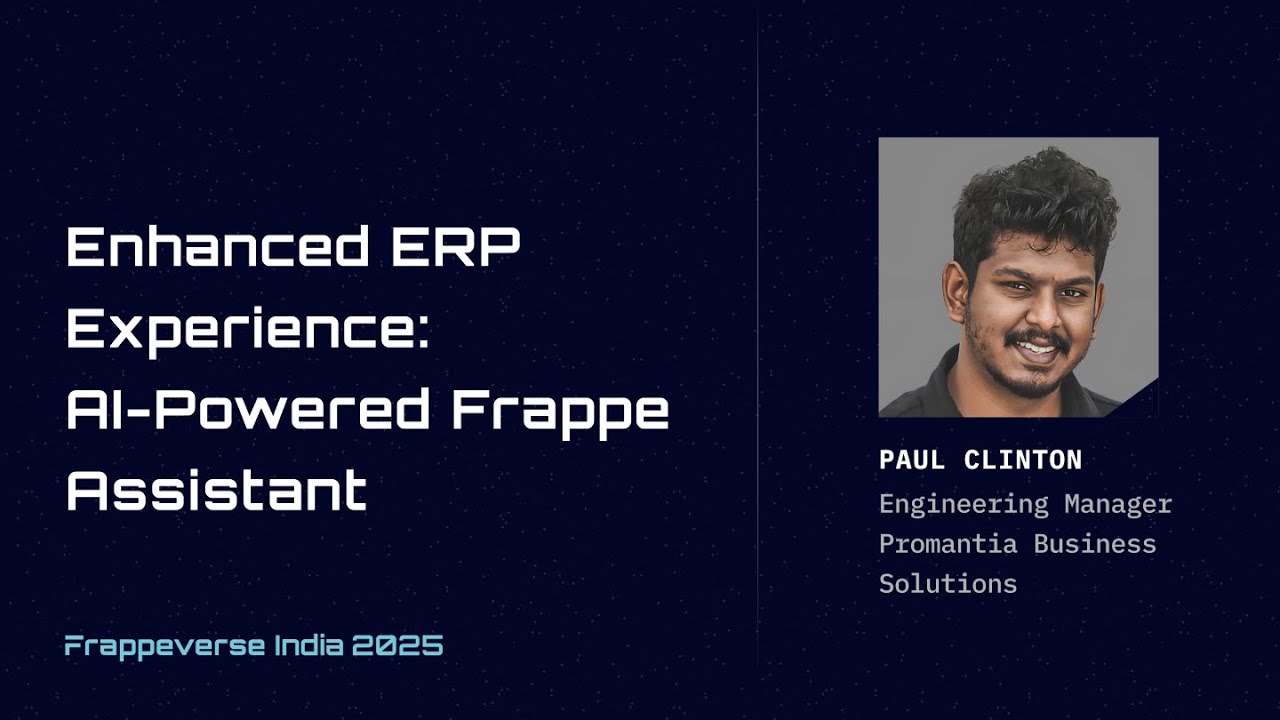
People installed it on their own sites and filed issues when it broke on their setups. Then something better happened: they started sending pull requests that fixed those issues.
As of today the project has:
- 319 stars on GitHub
- 193 forks
- 80 issues raised
- 19 pull requests merged from outside contributors
Every one of those issues is someone telling me about a setup I would never have tested on my own.
From MCP server to assistant inside Frappe
FAC started as an app that turns a Frappe site into an MCP server, so assistants outside Frappe, like Claude Desktop, could reach in. Version 3, released in September 2026, also works the other way round: it brings the assistant inside Frappe itself, so people can chat with their ERP without leaving it.
Alongside it, we built FAC Cloud, a hosted service that handles the parts that are hard to run yourself: choosing the right model for each question, keeping costs predictable, asking a human before the AI takes a risky action, and remembering context between conversations. FAC Cloud is offered commercially through Promantia.
How the way I build changed
The project began without AI writing any of the code. That changed as Claude Code and Cursor got dramatically better. Today a lot of FAC’s code is written with them, and more of my time goes into planning the work, reviewing what comes back and deciding what’s actually correct.
That shift is a big part of how we got from a handful of tools to version 3 and a hosted cloud service in about fifteen months. It also moved where the hard work is. Writing code got cheap. Knowing whether the code is right did not, and most of the notes on this site are about the times it wasn’t.
Why I’m writing this down
Building FAC taught me more than any project I’ve worked on, and most of it came from things going wrong. Permissions, approvals, costs and caching each had to be learned the hard way at least once. Those lessons aren’t specific to Frappe. They apply to anyone putting AI on top of business software, so I’m writing them down, one note at a time, mistakes included.
If you run ERPNext, try Frappe Assistant Core on a test site and ask it something you’d normally build a report for. The documentation covers installation and every tool. And if it breaks, open an issue. That’s how this whole thing got better in the first place.